Video editing used to require years of practice and expensive software.
AI video editors have changed that. Today, you can upload raw footage and get a polished, captioned, music-backed video in minutes — no editing experience needed.
Here are the best AI video editing tools for beginners in 2026.
Quick Picks
| Tool | Best For | Price | Rating |
|---|---|---|---|
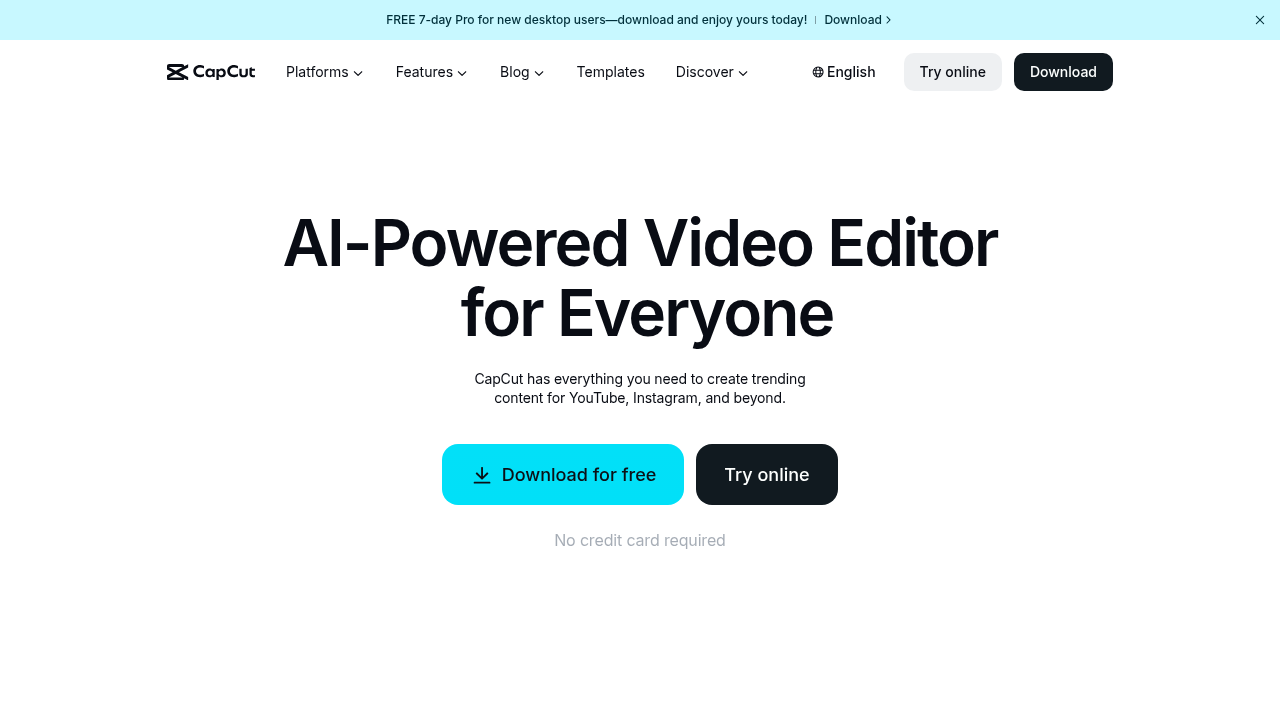
| 🥇 CapCut | Short-form social video | Free–$10/mo | ⭐⭐⭐⭐⭐ |
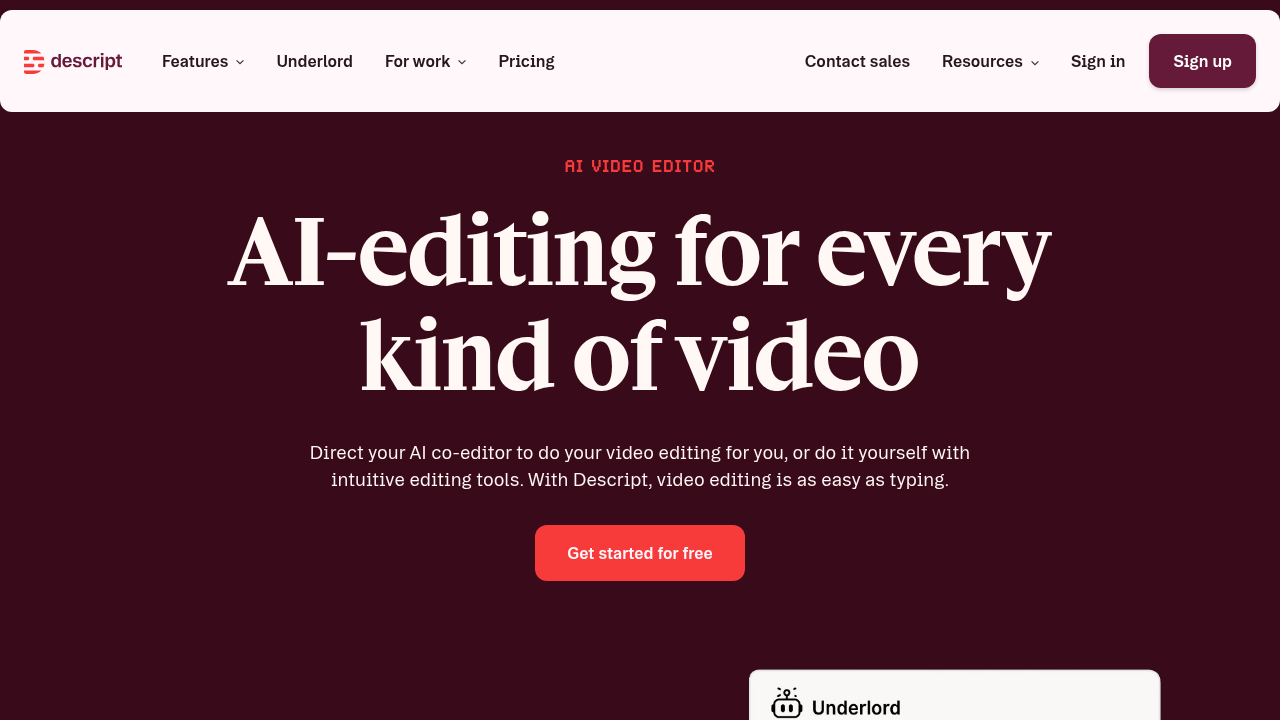
| 🥈 Descript | Podcast + talking-head video | $24/mo | ⭐⭐⭐⭐⭐ |
| 🥉 Runway ML | Creative AI effects | $15/mo | ⭐⭐⭐⭐ |
| Pictory | Long video → short clips | $23/mo | ⭐⭐⭐⭐ |
| Veed.io | All-in-one browser editor | Free–$30/mo | ⭐⭐⭐⭐ |
1. CapCut — Best for Short-Form Social Video
CapCut is the most popular beginner video editor in the world — and for good reason. It’s free, intuitive, and has AI features that make even novice creators look professional.
CapCut’s AI Features
- Auto Captions: Generate accurate captions from speech in seconds
- Smart Cut: AI removes silences and filler words automatically
- AI Background Removal: No green screen needed
- Beat Sync: Auto-syncs cuts to music rhythm
- AI Effects: Apply cinematic color grades and effects with one tap
- Text to Video: Turn scripts into animated text videos
- Voice Clone: Narrate videos in multiple languages or voices
- Templates: Thousands of trending short-form templates
Why Beginners Love It
CapCut’s mobile app is incredibly intuitive. Create on your phone, publish directly to TikTok or Instagram. The AI does the hard work — you just choose what looks good.
Best For
TikTok creators, Reels makers, YouTube Shorts — anyone making short-form content.
Pricing
Free with robust features; Pro at $10/mo for advanced AI tools.
✅ Completely free to start ✅ Best for mobile creation ✅ Excellent AI captions ✅ Trending templates ❌ Less powerful for long-form ❌ Chinese-owned (some privacy concerns)
2. Descript — Best for Podcast and Talking-Head Video
Descript is the tool that makes non-editors feel like pros. It edits video like a text document — delete words from the transcript, and the video cuts automatically.
Descript’s AI Magic
- Overdub (Voice Clone): Fix audio mistakes by typing — your cloned voice fills in
- Filler Word Removal: Auto-delete all “um”, “uh”, “like” — one click
- Eye Contact Correction: AI fixes it so you look at the camera even when you don’t
- Studio Sound: Turn mediocre audio into studio-quality with AI
- Auto Transcription: 95%+ accurate transcripts in seconds
- Green Screen: AI background removal without a green screen
- Screen Recording: Built-in for software tutorials
Why It’s Perfect for Non-Editors
If you can edit a Word document, you can edit video in Descript. Select a sentence, hit delete, the video clip is removed. It’s that simple.
Best For
Podcasters, YouTubers doing interviews, online course creators, and anyone recording talking-head content.
Pricing
Starts at $24/mo (includes 10 hours of transcription).
✅ Revolutionary text-based editing ✅ Best filler word removal ✅ Voice cloning is incredible ✅ Great for podcast video ❌ Not ideal for B-roll heavy content ❌ More expensive than CapCut
3. Runway ML — Best for Creative AI Effects
Runway ML is where creative AI video editing gets interesting. It offers effects and capabilities you simply can’t do manually.
Runway’s AI Video Features
- Gen-3 Alpha: Text-to-video generation
- Inpainting: Remove objects from video (like Photoshop’s heal, but for video)
- Background Removal: Precise AI background separation
- Super Slow Motion: AI-generated slow motion from normal footage
- Infinite Image: Extend images outward (for cinematic intros)
- Motion Brush: Control where in the frame motion occurs
- Color Grade: AI-powered cinematic color grading
Best For
Creative creators who want cutting-edge AI effects — filmmakers, visual artists, experimental content makers.
Pricing
Free plan (125 credits); paid from $15/mo.
✅ Most innovative AI effects ✅ Gen-3 video generation ✅ Free to try ❌ Steeper learning curve ❌ Credit-based pricing adds up
4. Pictory — Best for Turning Blog Posts into Videos
Pictory is unique: paste your blog post URL, and it creates a complete video with stock footage, captions, and voiceover. Perfect for content repurposing.
Pictory’s AI Features
- Script to Video: Paste text, get a complete video
- Blog to Video: Input a URL, Pictory builds the video
- Auto Captions: 99% accurate captions across 29 languages
- Auto Highlights: AI identifies key moments for short clips
- AI Voiceover: 100+ AI voices in multiple languages
- Stock Footage Library: Millions of licensed clips auto-matched to your script
- Brand Kit: Apply your colors, logo, and fonts automatically
Best For
Content marketers, bloggers, and anyone repurposing written content into video.
Pricing
Starts at $23/mo.
✅ Best for content repurposing ✅ Blog-to-video is unique ✅ Great for marketing videos ❌ Less creative control ❌ AI-chosen stock footage can mismatch
5. Veed.io — Best All-in-One Browser Editor
Veed.io is a powerful online video editor with strong AI features — no download required. It handles everything from subtitles to translation.
Veed’s AI Features
- Auto Subtitles: Accurate captions in 100+ languages
- AI Translation: Translate and dub videos into other languages
- Background Removal: Clean backgrounds from talking-head videos
- Noise Cancellation: Remove background noise from audio
- AI Avatar: Generate a talking AI presenter
- Teleprompter: Read scripts while recording in Veed
- Collaboration: Multiple editors in real-time (like Google Docs for video)
Best For
Small teams, marketers, and creators who need a full-featured editor in the browser.
Pricing
Free plan available; paid from $30/mo.
✅ No download required ✅ Best subtitle/translation ✅ Great collaboration features ✅ Good free plan ❌ Advanced features on higher tiers ❌ Export speed can be slow
The AI Video Editing Workflow for Beginners
Even if you’ve never edited video before, this workflow works:
Step 1: Record Your Footage
- Use your phone or webcam — quality matters less than AI tools make it seem
- Record in a well-lit area (natural light or ring light)
- Capture more than you need — AI will cut the bad parts
Step 2: Upload and Transcribe
- Upload to your chosen tool
- Let AI generate the transcript (Descript, Veed, CapCut)
Step 3: Cut by Text (or Auto-Cut)
- Remove filler words and silences
- Edit by deleting sentences from the transcript
Step 4: Add Captions
- AI captions are now table stakes — always add them
- 85% of social video is watched without sound
Step 5: Add Music and Effects
- Use royalty-free music (most tools have built-in libraries)
- Add B-roll or AI-generated visuals
Step 6: Export and Publish
- Export in the right format (1080p for YouTube, 9:16 for Reels/TikTok)
- Most tools allow direct publishing
Which Tool Should You Choose?
You make TikTok/Reels/Shorts → CapCut (free, mobile-first)
You record talking-head content or podcasts → Descript
You want creative AI effects → Runway ML
You want to turn blogs into videos → Pictory
You need a browser-based all-in-one → Veed.io
Bottom Line
AI video editing has removed the biggest barrier to video creation: technical skill. You don’t need to learn transitions, color grading, or audio mixing anymore. The AI handles it.
Start with CapCut if you’re making short-form content — it’s free and incredibly capable. Move to Descript if you’re recording longer content and want the text-editing experience.
The best video editor is the one you’ll actually use consistently.
All prices are approximate and may change. Always check the provider’s website for current pricing.