AI writing tools have transformed how students research and write. But using them effectively — without violating academic integrity policies — requires choosing the right tools and knowing how to use them. This guide covers the best AI writing assistants that help students learn and write better, not just generate text to submit.
Quick Picks
| Tool | Best For | Price | Rating |
|---|---|---|---|
| 🥇 Grammarly Premium | Editing and feedback | $12/mo | ⭐⭐⭐⭐⭐ |
| 🥈 Notion AI | Research and notes | $10/mo | ⭐⭐⭐⭐½ |
| 🥉 QuillBot | Paraphrasing and summarizing | $9.99/mo | ⭐⭐⭐⭐ |
| ChatGPT Plus | Brainstorming and research | $20/mo | ⭐⭐⭐⭐ |
| Hemingway Editor | Clarity and readability | $19.99 one-time | ⭐⭐⭐⭐ |
A Note on Academic Integrity
Before diving in: AI writing tools are powerful, and policies vary by institution. Some schools ban AI-written submissions. Others allow AI for research and editing but not for generating final text. Know your school’s policy before using any of these tools.
The tools recommended here are focused on making you a better writer — catching errors, improving clarity, helping with research — rather than generating text for you to submit unchanged.
1. Grammarly Premium — Best for Writing Improvement
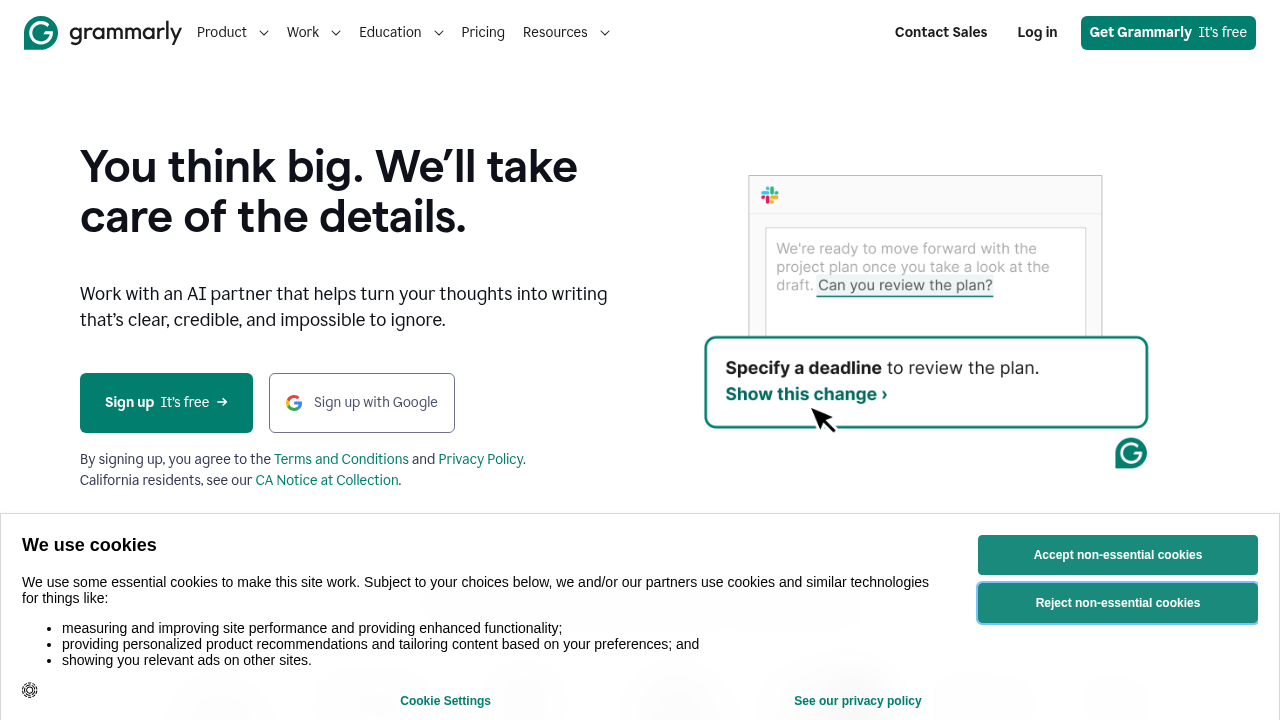
Grammarly is the most widely used writing assistant among students because it works everywhere — Google Docs, Word, email, and even within your LMS. It catches errors in real time and explains why something is wrong, helping you learn as you write.
What Makes Grammarly Valuable for Students
- Catches what spellcheck misses: Context-aware corrections for grammar, not just spelling
- Clarity improvements: Flags confusing sentences and suggests clearer alternatives
- Plagiarism detection: Check your paper against 16 billion web pages before submitting
- Tone detection: Make sure your academic writing sounds appropriately formal
- Explanations: Grammarly explains why each suggestion is made — you learn, not just copy
Key Features for Students
- Works in Google Docs and Microsoft Word (essential for most students)
- Academic citation style awareness
- Vocabulary enhancement suggestions
- Full-sentence rewrites for unclear passages
- GrammarlyGO for brainstorming and outlining (use carefully)
Pricing
- Free: Basic grammar and spelling
- Premium: $12/month annual ($144/year)
- Student discount: Check Grammarly’s website for current student pricing
Academic Integrity Note
Using Grammarly to check and improve your own writing is universally accepted. Using GrammarlyGO to generate text is where policies vary — check with your professor.
2. Notion AI — Best for Research and Organization
Notion AI helps with the before and after writing stages — organizing research, creating outlines, summarizing sources, and managing notes. This is a legitimate and powerful student use case.
How Students Use Notion AI
- Research organization: Paste article summaries, Notion AI helps synthesize them
- Outline generation: Describe your thesis, AI generates a structured outline
- Note summarization: Upload lecture notes, get key points extracted
- Source management: Organize bibliography and annotate sources
- Brainstorming: Generate counterarguments, alternative perspectives, research angles
Key Features
- AI-powered Q&A across your notes (“What did I note about X topic?”)
- Summary generation from long texts
- Content generation for outlines and drafts
- Auto-fill tables and databases
- Collaborative workspace for group projects
Pricing
- Free: Basic Notion workspace
- Plus: $10/month (unlimited AI queries)
- Education discount: Free Notion Plus for students with .edu email
3. QuillBot — Best for Paraphrasing and Summarizing
QuillBot is the most popular paraphrasing tool among students. Its core function: rewrite text in different ways while preserving meaning. It also summarizes long documents, which is invaluable for research.
Key Features
- Paraphraser: 7 modes (Standard, Fluency, Formal, Academic, Natural, Expand, Shorten)
- Summarizer: Condense long articles, papers, or chapters into key points
- Grammar checker: Not as good as Grammarly but built-in
- Citation generator: MLA, APA, Chicago formats
- Chrome extension: Works in Google Docs, emails, everywhere
Academic Integrity Note
QuillBot’s paraphraser is a legitimate tool for improving your writing and understanding sources. Using it to paraphrase entire papers for submission crosses the line at most institutions. Use it to improve your own sentences and understand complex source material.
Pricing
- Free: Limited paraphrasing, summarizer
- Premium: $9.99/month (all modes, unlimited paraphrasing)
4. ChatGPT Plus — Best for Brainstorming and Research
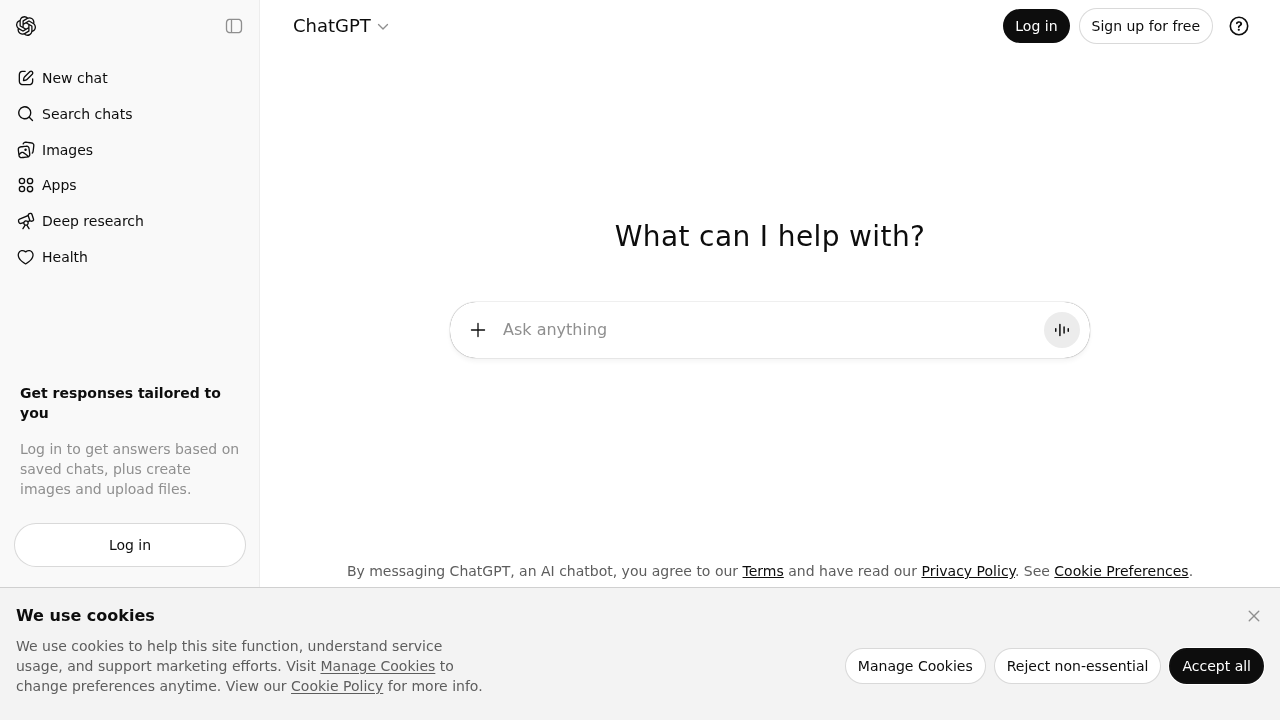
ChatGPT Plus ($20/month) is the most versatile AI tool for students who know how to use it appropriately. For research assistance, brainstorming, understanding complex topics, and getting feedback, it is exceptional.
Legitimate Student Use Cases
- Explain complex concepts: “Explain Kant’s categorical imperative in simple terms”
- Brainstorm arguments: “What are the main counterarguments to my thesis?”
- Research angles: “What are the key debates in contemporary climate policy?”
- Outline feedback: “Review my essay outline and suggest improvements”
- Source suggestions: “What academic sources should I look for on this topic?”
- Editing feedback: Paste your draft, ask for specific feedback
Features Useful for Students
- Web browsing for current research
- File upload — analyze PDFs, data sets
- Code interpreter for statistics homework
- Long context window for reviewing full papers
Academic Integrity Note
Using ChatGPT to understand material, brainstorm, and get feedback is generally accepted. Submitting ChatGPT-generated text as your own work is academic dishonesty at virtually all institutions.
5. Hemingway Editor — Best for Readability
Hemingway Editor is a writing analysis tool that identifies complex sentences, passive voice, and readability issues. It does not generate text — it analyzes yours. This makes it unambiguously safe from an academic integrity perspective.
Key Features
- Highlights complex sentences (hard to read)
- Flags very complex sentences (consider restructuring)
- Shows passive voice usage
- Identifies adverbs to consider removing
- Readability grade level
- Simpler alternative suggestions
Why Students Love It
- Zero AI integrity concerns — it only analyzes your writing
- Makes academic writing cleaner and more impactful
- Free web version available; desktop app is a one-time $19.99
How to Use AI Tools Without Violating Academic Integrity
Safe uses at virtually all institutions:
- Grammar and spell checking (Grammarly Free)
- Plagiarism detection (Grammarly Premium)
- Readability improvement (Hemingway)
- Research organization and note-taking (Notion AI)
- Understanding complex topics (ChatGPT)
- Brainstorming and getting feedback on your ideas (ChatGPT)
Uses that vary by institution — check your policy:
- Outline generation assistance
- Paraphrasing sources (QuillBot)
- Getting feedback on draft text
Generally not acceptable:
- Submitting AI-generated text as your own
- Using AI to write answers to exams or assignments
- Generating entire essays without disclosure
When in doubt, ask your professor directly.
Bottom Line
For most students, the winning combination is:
- Grammarly Premium for real-time writing improvement and plagiarism checking
- ChatGPT Plus for research assistance and brainstorming (used appropriately)
- QuillBot for summarizing source material
Start with Grammarly (the free version is excellent) and add tools as your needs grow. The goal is to become a better writer — these tools help you get there faster.