Grammarly Free catches typos. Grammarly Premium promises to make you a better writer. After 12 months of using Grammarly Premium for professional writing, here is whether the upgrade is actually worth the cost.
Quick verdict: Grammarly Premium is worth it for professional writers, students, and anyone who writes in English as a second language. For casual writers who only need basic proofreading, the free version is sufficient.
Grammarly Free vs Premium: What You Actually Get
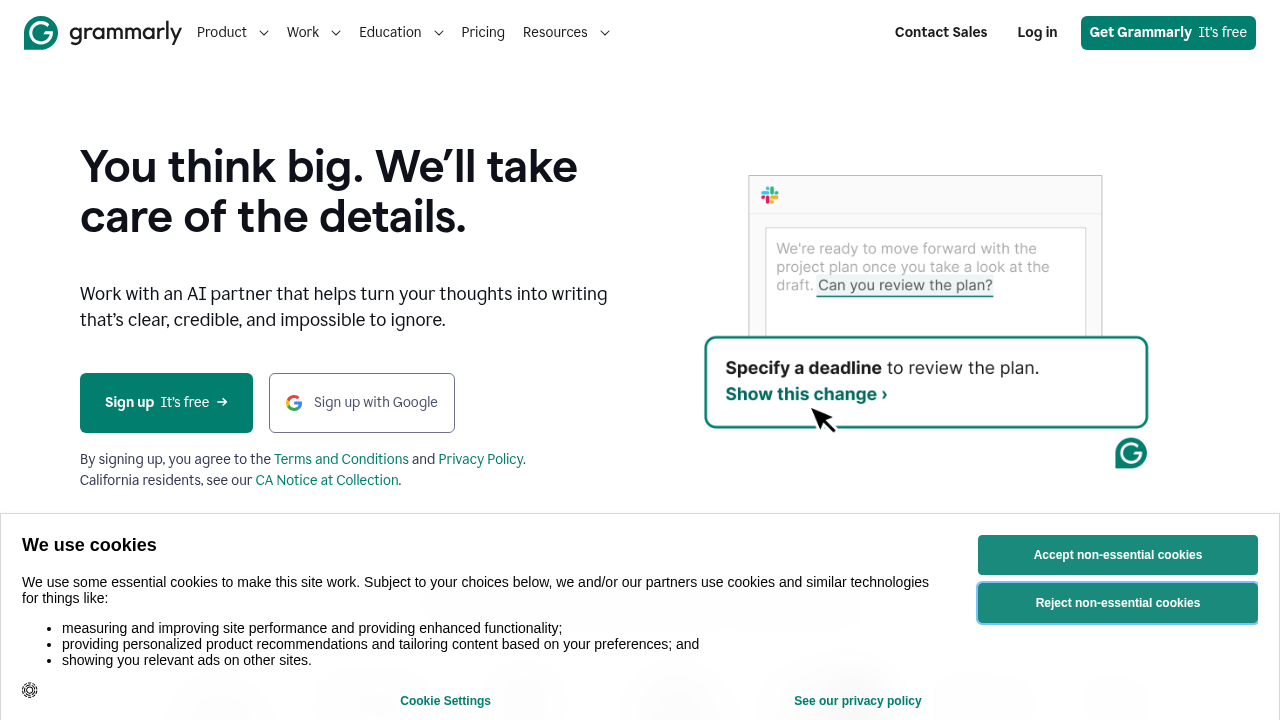
Grammarly Free
- Spelling corrections
- Basic grammar errors (subject-verb agreement, missing words)
- Punctuation fixes
- Works in browser, Google Docs (limited), and desktop apps
Grammarly Premium ($12/month billed annually)
Everything in Free, plus:
- Clarity and conciseness improvements
- Engagement suggestions (varying sentence structure)
- Tone adjustments
- Vocabulary enhancement suggestions
- Plagiarism detection (against 16 billion web pages)
- Full-sentence rewrites
- Consistency checker (UK vs US spelling, formatting)
- Generative AI (GrammarlyGO) — write from prompts
The Features That Actually Matter
Clarity Suggestions
This is where Premium earns its price. Grammarly does not just fix errors — it flags sentences that are correct but unclear. “The report was submitted by the team on Friday” becomes “The team submitted the report on Friday.” Active voice, cleaner structure.
For anyone writing business communication, this is genuinely valuable.
Full-Sentence Rewrites
Premium shows alternative ways to write an entire sentence. Not just fixing the grammar, but restructuring for better flow. This works especially well for complex sentences that are technically correct but hard to read.
Tone Detection and Adjustment
Grammarly Premium detects the tone of your writing (formal, informal, confident, uncertain) and flags when it does not match your intent. Write an email that sounds unconfident? Grammarly suggests stronger phrasing.
This is useful for professional communication where tone matters.
GrammarlyGO (AI Writing)
The AI writing assistant lets you:
- Generate content from prompts
- Rewrite sections in a different tone
- Summarize documents
- Reply to emails with one click
Quality is comparable to other AI writing tools. It is convenient because it works in Gmail, Outlook, Google Docs, and everywhere else Grammarly is already installed.
Plagiarism Detection
Compare your writing against 16 billion web pages. Useful for students and academics, and for content marketers making sure AI-generated content is not too similar to existing material.
Real-World Testing
I tested Grammarly Premium on several writing tasks over 12 months.
Business Emails
Premium added significant value here. It caught unclear sentences, improved tone, and suggested more confident phrasing. Several email suggestions genuinely made my communication cleaner. I kept maybe 60% of the suggestions.
Long-Form Articles
Mixed results. Clarity suggestions for long sentences were helpful. Vocabulary suggestions were occasionally useful but often felt unnecessary. The engagement suggestions (vary your sentence length) were good reminders. Plagiarism checker was useful for research-heavy articles.
ESL (English as Second Language) Writing
This is where Grammarly Premium delivers the most value. The suggestions catch the patterns and mistakes that ESL writers make consistently — article usage, preposition choices, sentence structure. For non-native English writers in professional contexts, it is invaluable.
Grammarly Premium Pricing
- Monthly: $30/month
- Quarterly: $20/month (billed quarterly)
- Annual: $12/month (billed as $144/year)
Important: Always buy annual. Monthly pricing is 2.5x more expensive. The difference is $18 vs $144 per year total.
Grammarly Business: $15/user/month (annual) — adds style guides, shared snippets, admin controls, and analytics.
Grammarly vs Competitors
Grammarly vs ProWritingAid
ProWritingAid ($79/year) offers deeper writing analysis — pacing reports, overused words, cliche detection, style analysis. Better for fiction writers and serious authors. Less convenient (not as deeply integrated everywhere).
Choose Grammarly Premium: Convenience, professional communication, everywhere integration Choose ProWritingAid: Serious creative writing, deep style analysis
Grammarly vs QuillBot
QuillBot ($9.99/month) focuses on paraphrasing and rewriting. Its grammar checker is not as strong as Grammarly. Better as a rewriting tool; Grammarly is better as a writing assistant.
Many writers use both — Grammarly for checking, QuillBot for paraphrasing.
Grammarly vs ChatGPT
ChatGPT can review and improve writing when prompted, but it requires active prompting for each piece. Grammarly works passively in the background. Different use cases: ChatGPT for significant rewrites and ideation; Grammarly for real-time error checking everywhere you write.
Who Should Upgrade to Premium?
Definitely upgrade if you are:
- A professional who writes business communication daily (emails, reports, proposals)
- A student writing academic papers (plagiarism checker alone is worth it)
- An ESL writer in a professional English-speaking environment
- A blogger or content marketer publishing regularly
- Anyone whose career involves written communication
The free version is probably fine if you are:
- A casual writer who only occasionally needs proofreading
- Someone who writes primarily in informal contexts
- A native English speaker with strong writing fundamentals
- Someone who has already bought another tool like ProWritingAid
One Honest Limitation
Grammarly Premium can make your writing sound more generic. It tends to favor shorter, simpler sentences and standard phrasing. If you have a distinctive voice, some of the suggestions will push you toward a blander style. Good writers learn to apply suggestions selectively rather than accepting everything.
The tool is excellent at fixing problems. It is less useful for developing style.
Bottom Line
Grammarly Premium at $12/month (annual) is a reasonable investment for professional writers. The clarity suggestions, tone adjustments, and AI writing features justify the price difference from the free version.
The free version is genuinely good for basic proofreading. The Premium version is valuable if you write professionally and want cleaner, clearer communication.
My recommendation: use the free version for a month. If you find yourself hitting limitations or wanting more suggestions, upgrade to annual Premium. If the free version meets your needs, save the money.
Rating: 4.3/5